-
Description
-
Shipping Policy
-
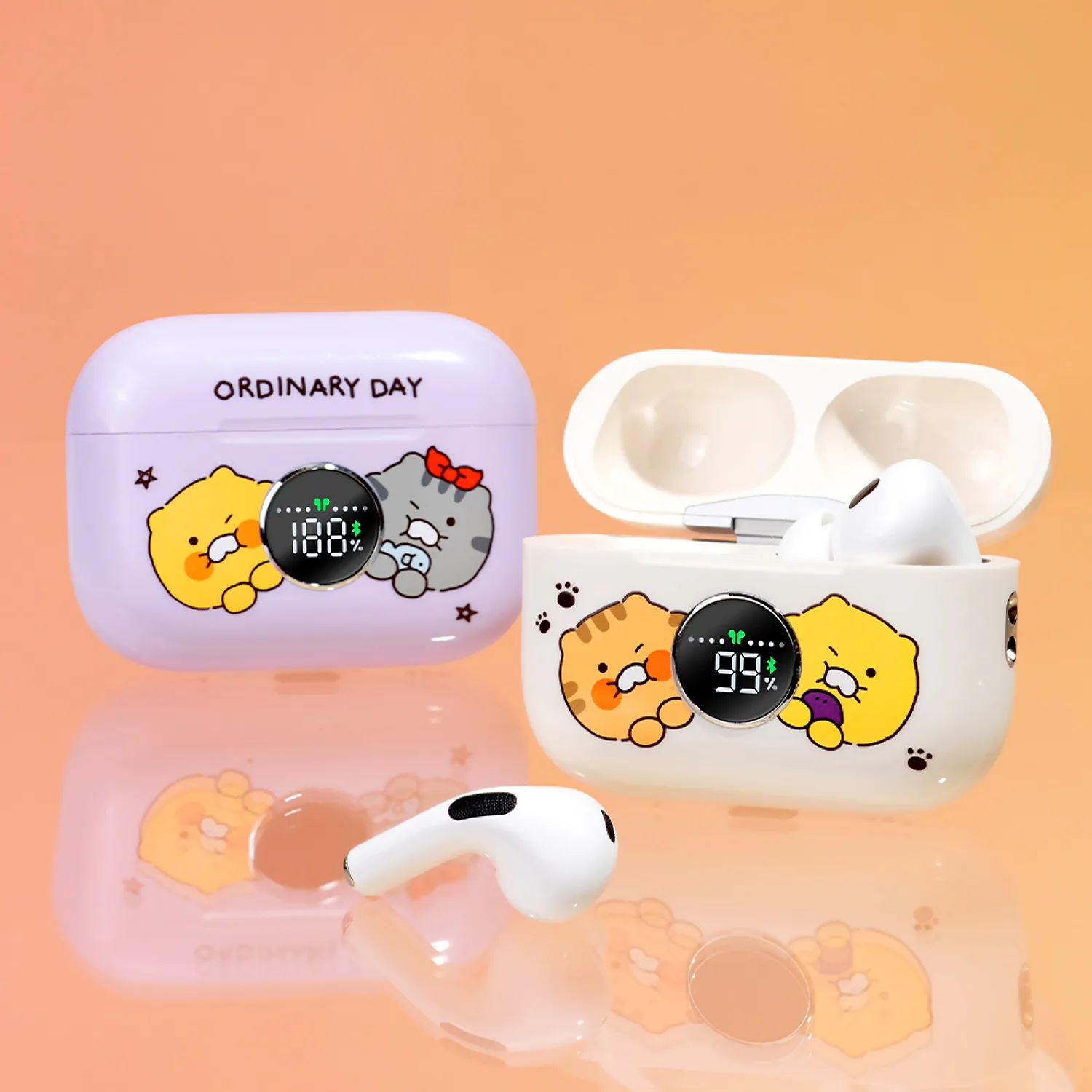
Listen to music with Kakao Friends! Ordinary Day Wireless Bluetooth Earphones🎵
Lightly and in your ears anytime, anywhere! It supports a stable connection even at distances of up to 10 meters, and can be used for up to 3 hours at a time, and can be used for up to 12 hours when the case is fully utilized.
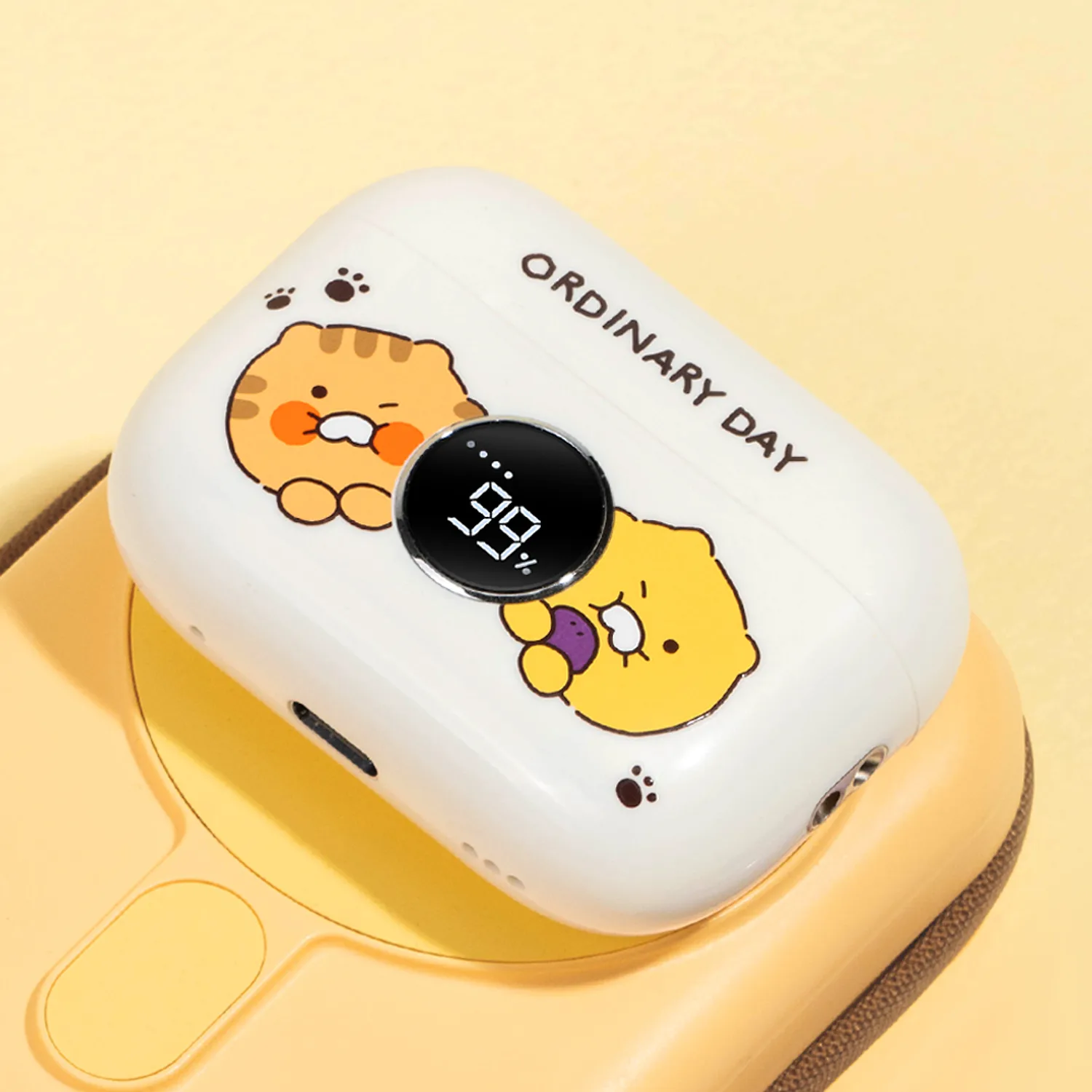
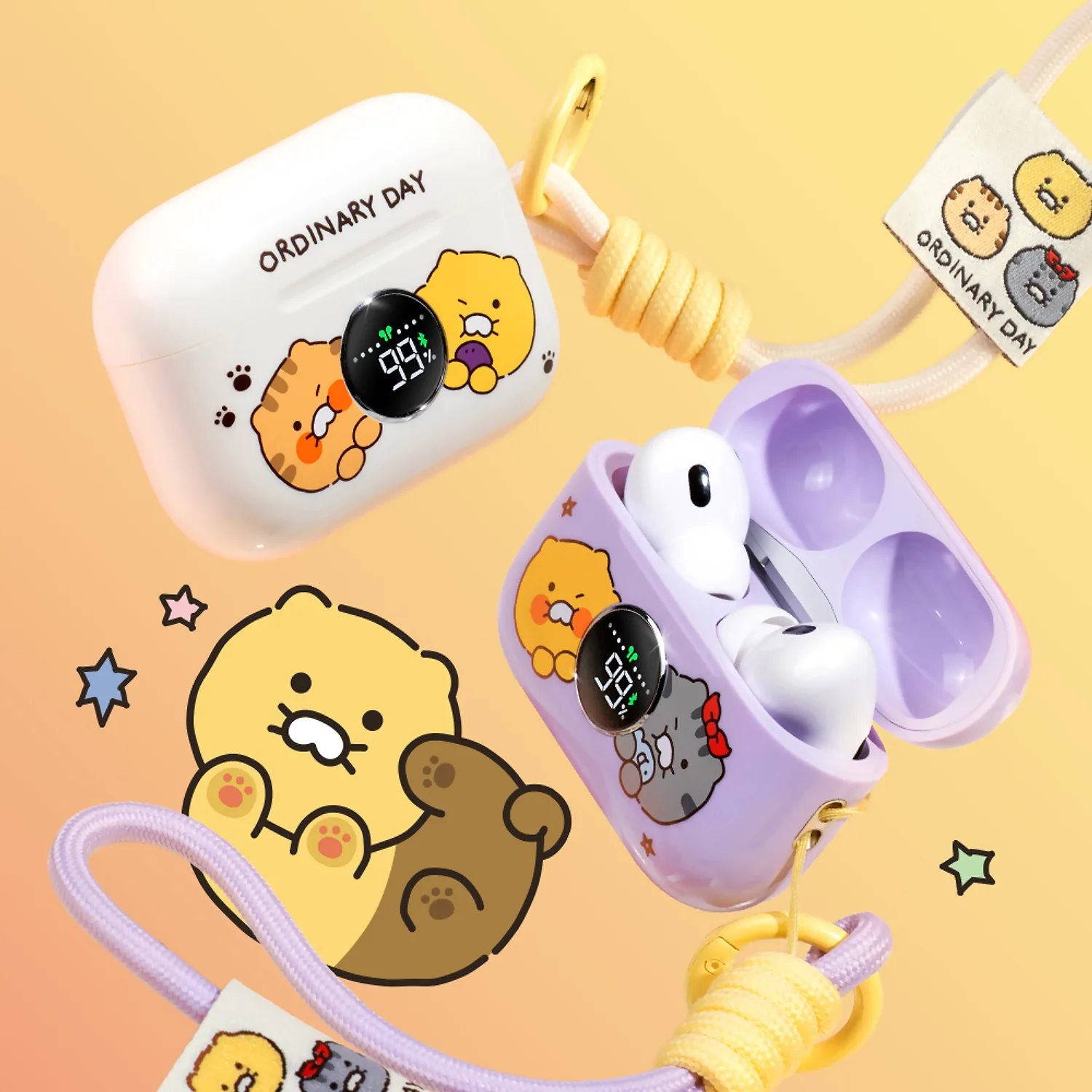
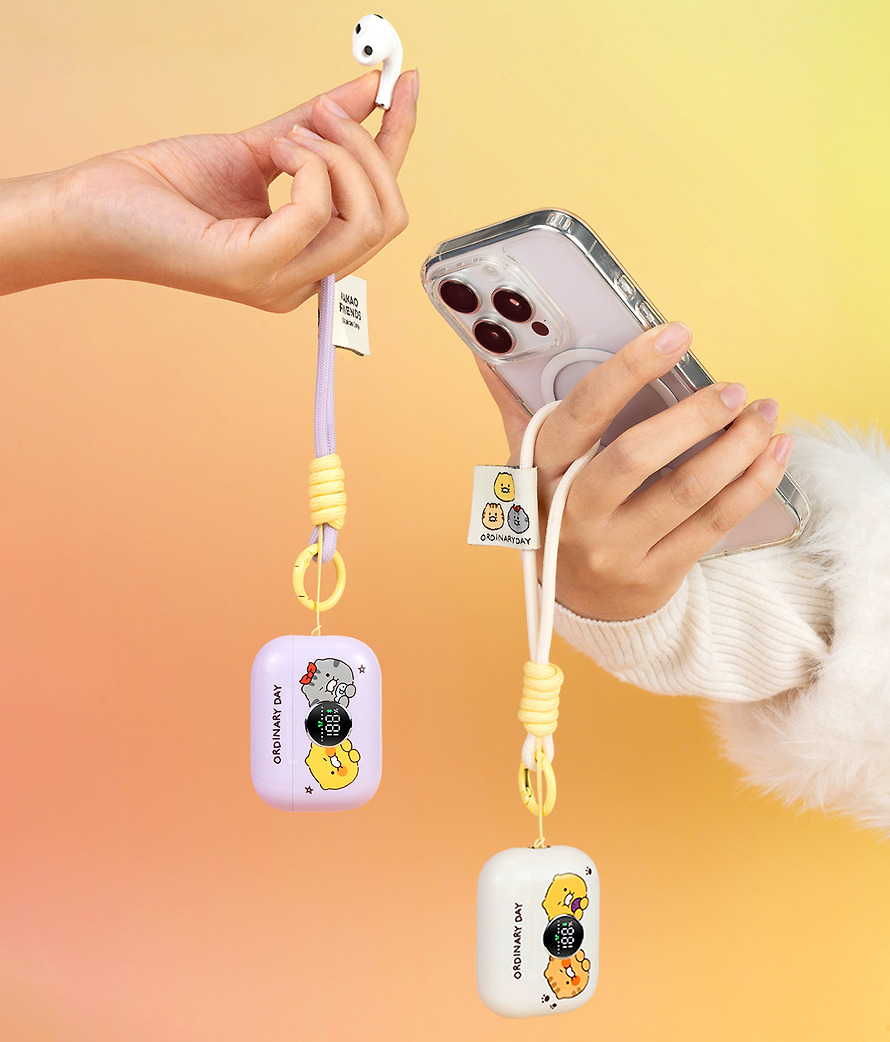
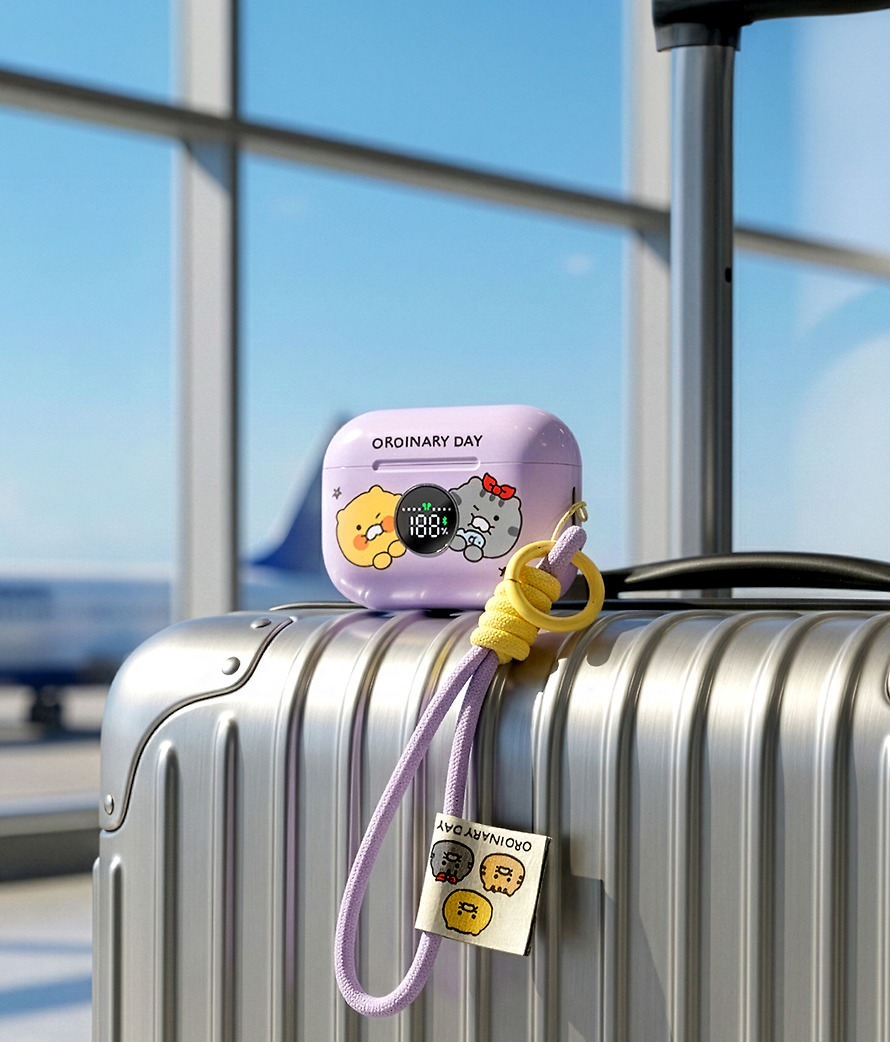
The front LED indicator lets you check the battery level at a glance, and it comes with a carabiner and a dedicated strap for easy portability.
With a total weight of 58g, it can be used without any burden.
It supports simple touch controls for smart use. Choose between Active Noise Cancellation mode and Ambient Sound Tolerance mode to suit your situation.
Even wireless charging for easy and convenient charging anytime, anywhere!
With Kakao Friends, Music Q! 🎶🎧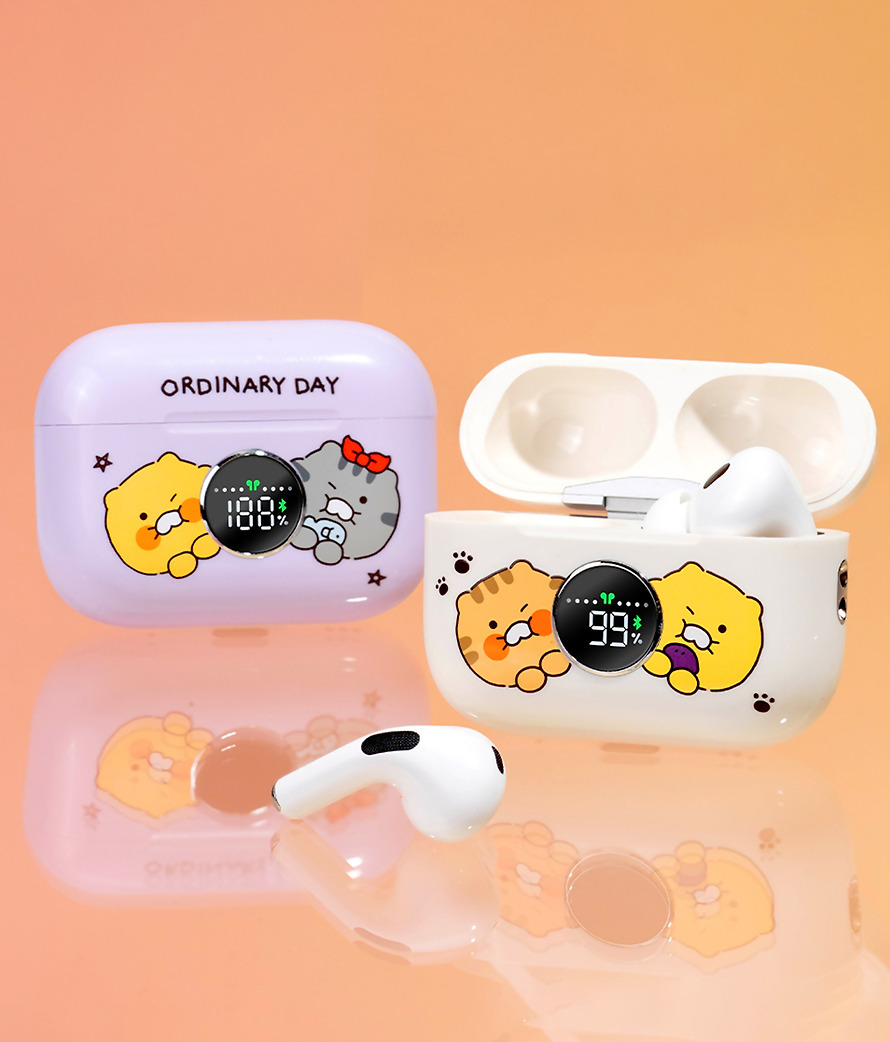
(Touch Control Method)
1️⃣ Volume control: Adjust by swiping up ~ down on the function keys of the earphones.
2️⃣ Playlist controls
Previous song – Double-touch the left function key
Next song – Double-tap the right function key
Pause playback – Tap the function key once during playback
3️⃣ Call Assistant (Siri or Bixby): Touch the left or right function key 3 times
4️⃣ Call mode
Receive – Press the function key 1 time / Reject – Press the function key 2 times / Hang up – Press the function key 1 time during the call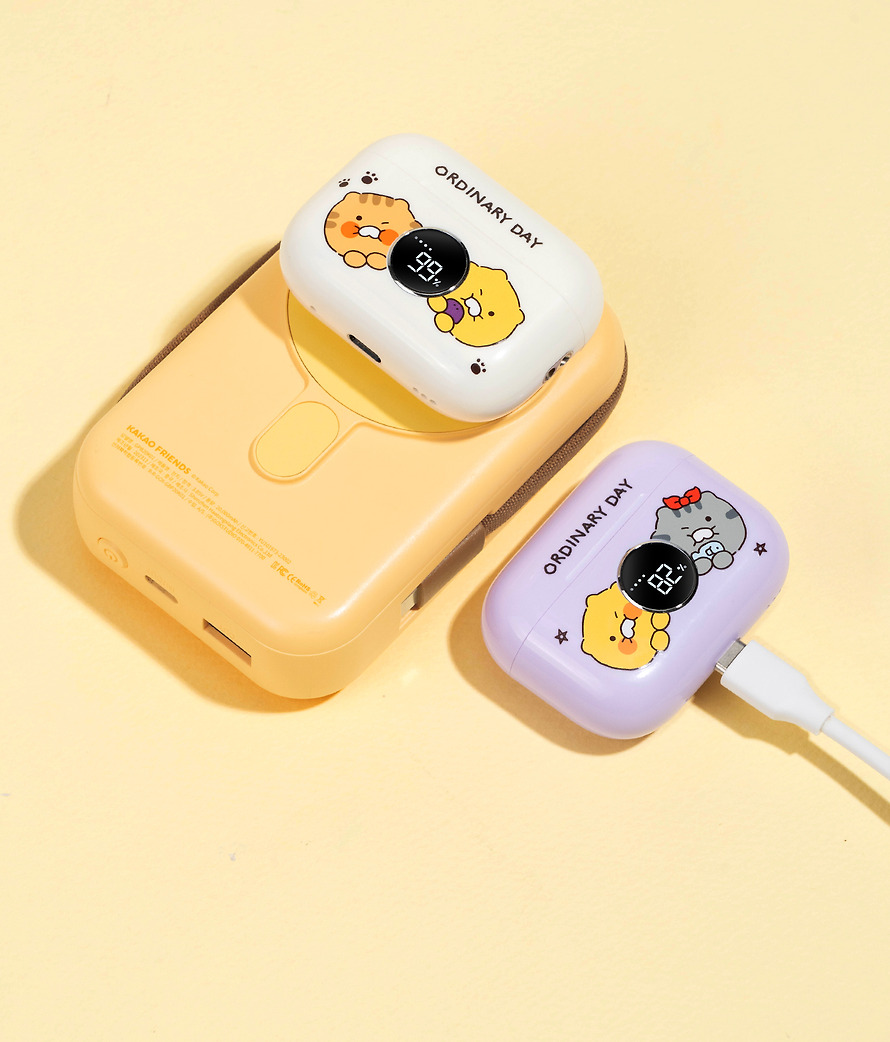
Also get a fresh purple color! 💜
※ For safe use, please be sure to charge with a charger or enclosed cable that matches the rated voltage.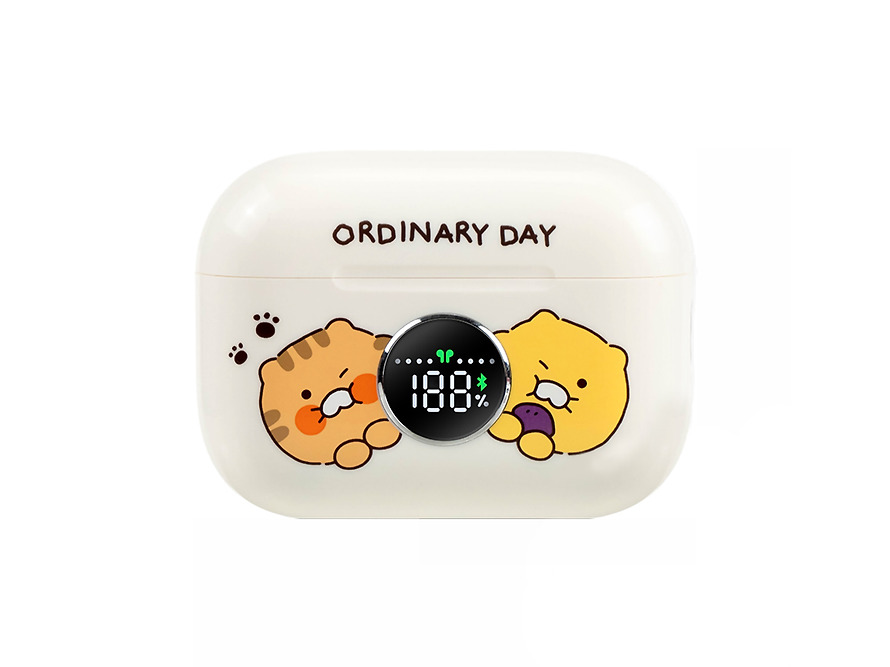
– Components: TWS main product, C to A cable, strap, ear tips, instruction manual
✔️ Charging of this product
1. Place the earphones in the charging case.
2. Connect the cable to the bottom TYPE-C terminal of the charging case.
3. The front LED will show the charge amount and start charging.
4. Support TWS wireless charging.✔️ How to connect Bluetooth
1. When the earset is taken out of the charging case, it will automatically power on, and it will proceed to TWS mode. (Flashing Bluetooth display on LED screen)
2. Bluetooth Connectable Devices will be searched as ‘Purple:ORDINARYDAY_01/Beige:ORDINARYDAY_02’.
3. When the Bluetooth connection is completed, the pairing is completed with the connection completion sound, and the Bluetooth indicator light will light up in the LED status window.
– Once paired, mobile devices will be automatically paired afterwards.✔️ Support mode
You can change the mode by pressing the function key on the right or left side of the earphones for 3 seconds.
– Modes: ANC Mode (Ambient Noise Cancellation), Normal Mode (Normal Earphones), Trans Mode (Ambient Sound Allowed)